Evil Eye - Nazar Good-luck charms
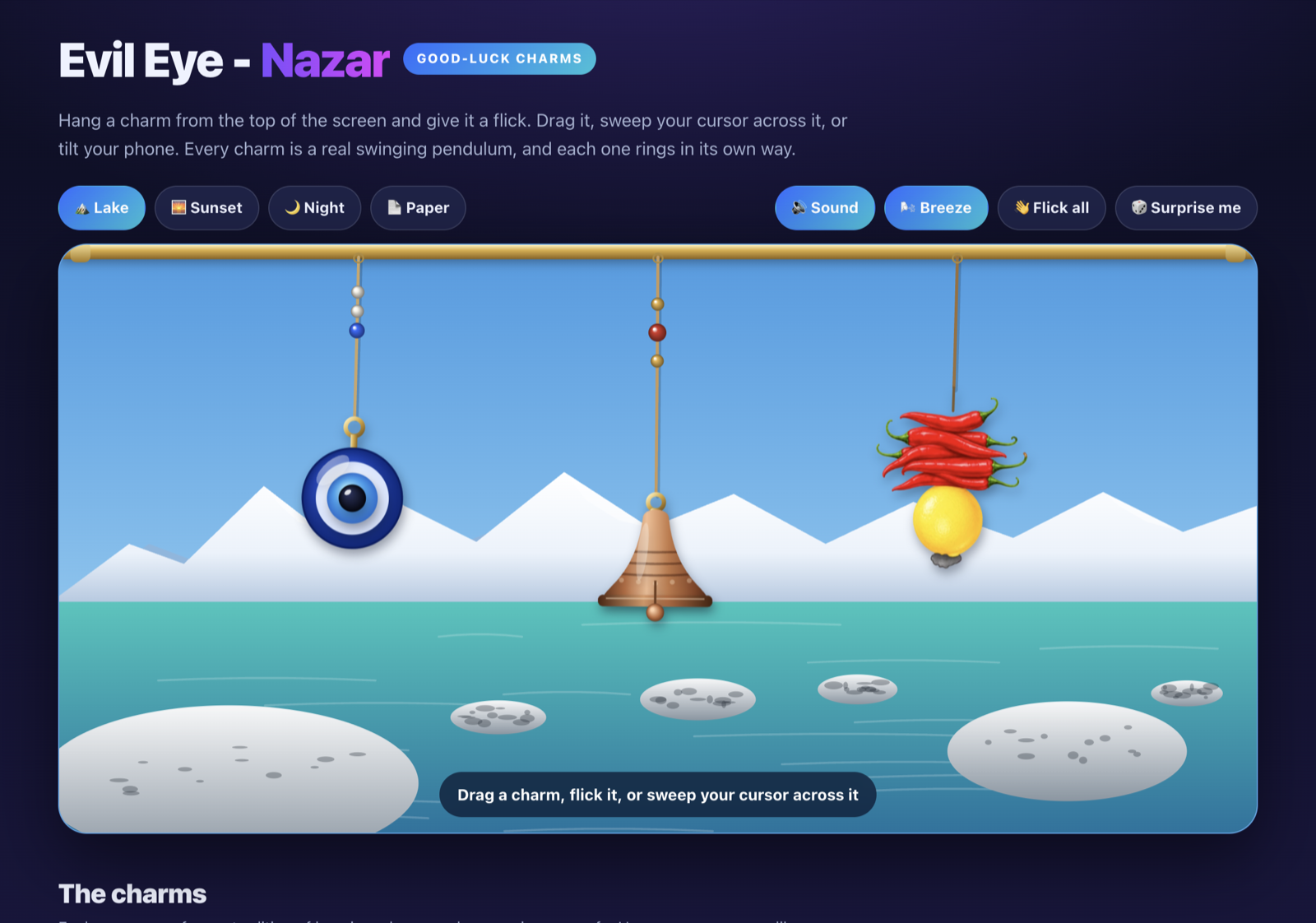
Hang a charm from the top of the screen and give it a flick. Drag it, sweep your cursor across it, or tilt your phone. Every charm is a real swinging pendulum, and each one rings in its own way.
⬇ Get the desktop app Hang them from the top of your real screen on Mac or Windows. Free.
Nothing is hanging yet. Pick a charm below to hang it here.
The charms
Each one comes from a tradition of keeping a home, a door or a journey safe. Hang as many as you like.
A charm from your tradition missing?
Hang anything lucky: pick an emoji, choose a string, and it swings like the rest.
One emoji works best.
Evil Eye - Nazar for Mac and Windows
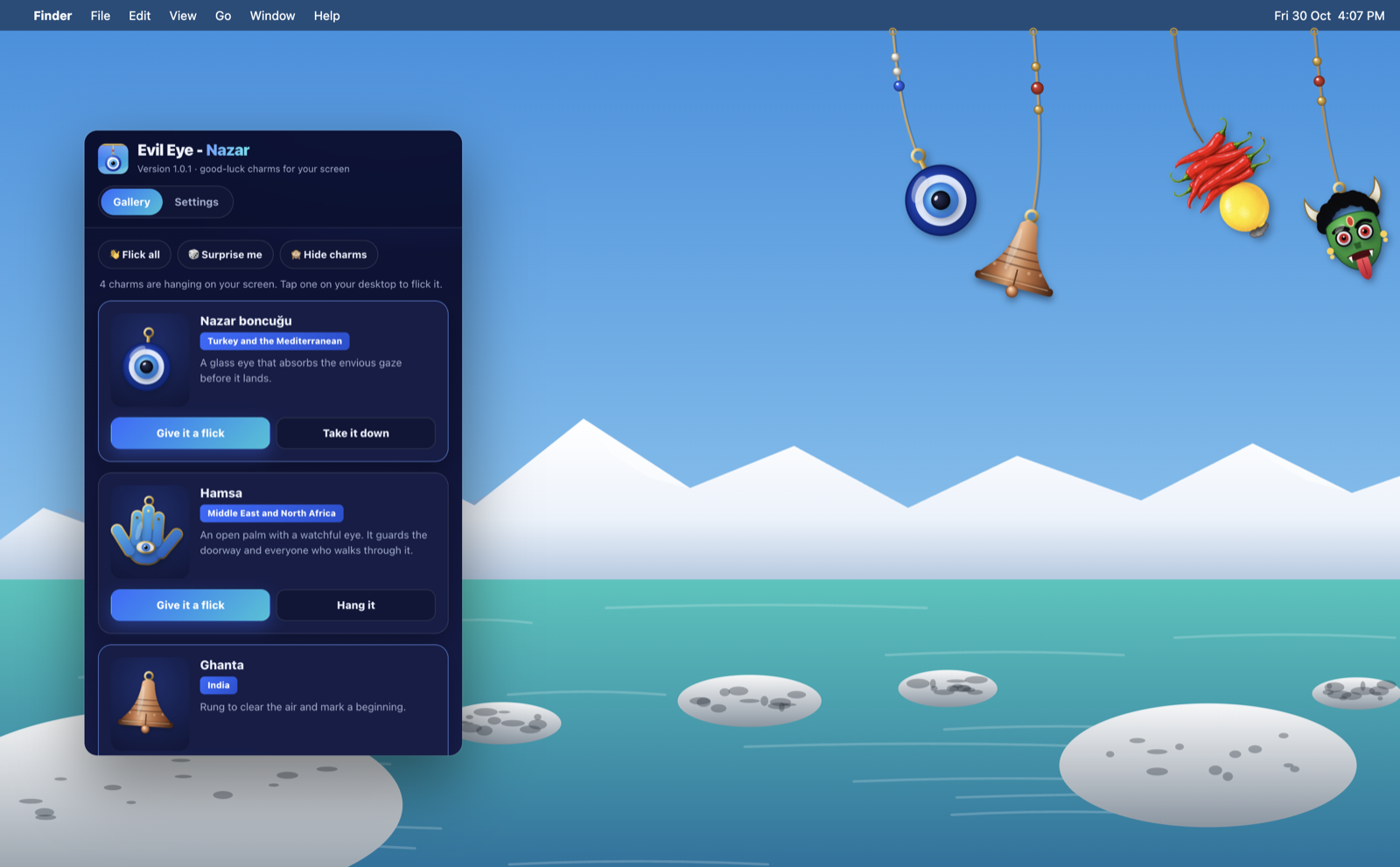
Hang the charms from the top of your real screen, over your desktop and your windows. Flick them, hear them ring, then get on with your day. Free, no account, works offline.
Loading the downloads…
🪟 Windows install
- Run Evil Eye - Nazar Setup.
- If SmartScreen says “Windows protected your PC”, click More info, then Run anyway. The installer is not code-signed yet.
- Evil Eye - Nazar hangs its charms from the top of your screen and sits in the system tray (bottom-right, maybe under the ^ arrow). Its window opens the first time.
🍎 macOS install
Evil Eye - Nazar is not notarized by Apple yet, so macOS asks you to approve it once. Pick either way:
Easiest, no prompts. Open Terminal (Spotlight → “Terminal”), paste this and press Return. It downloads the right build for your Mac, checks it, installs it in Applications and opens it:
Or use the .dmg:
- Open the .dmg, drag Evil Eye - Nazar to Applications, and open it.
- macOS says “Apple could not verify Evil Eye - Nazar…”. Click Done.
- Open System Settings → Privacy & Security, scroll to Security, click Open Anyway next to Evil Eye - Nazar, then Open. You only do this once.
- If it says the app is “damaged” instead, run this in Terminal, then open it again:xattr -cr "/Applications/Evil Eye - Nazar.app"
Everything in the app
Every option on this page is in the app too, plus a few that only make sense on a desktop.
🧿 On your screen
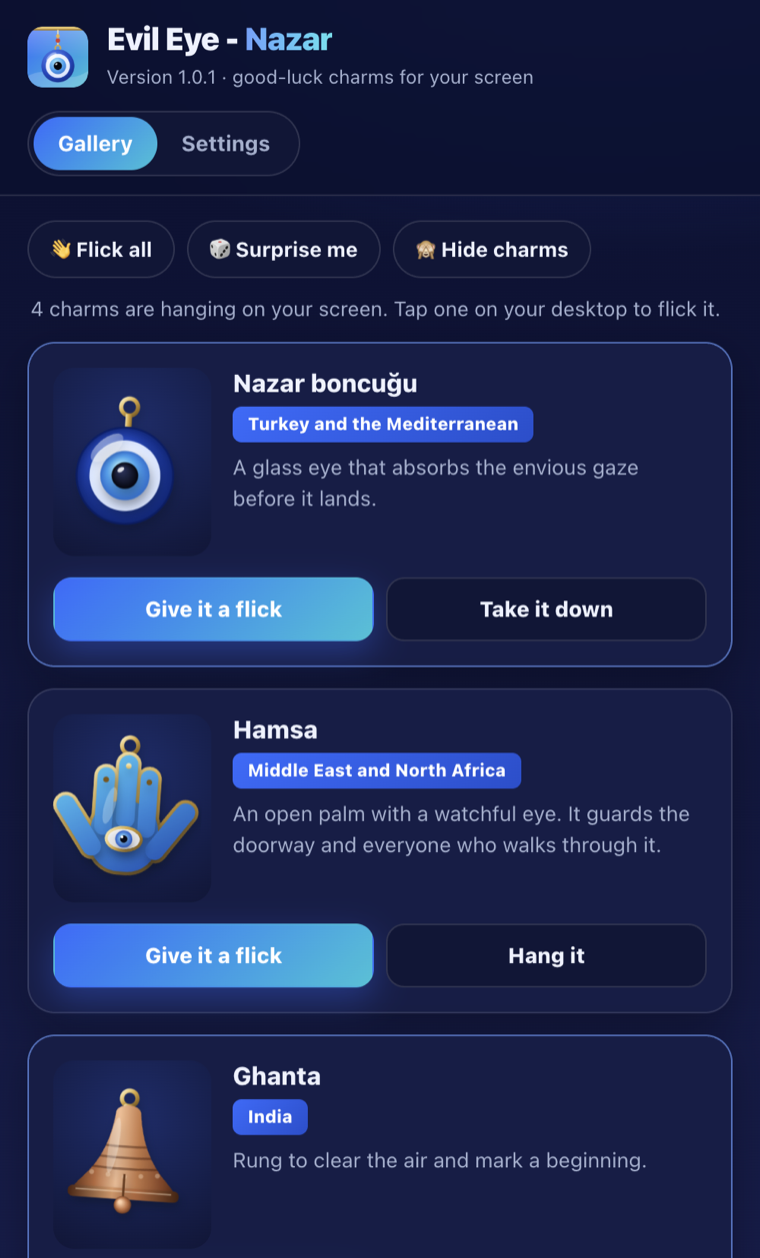
- Six charms: nazar evil eye, Hamsa, Ghanta bell, Nimbu Mirchi, Drishti Bommai mask and a lucky knot
- Your own charm: any emoji on a gold, red, silver or green string
- Hang or take down any charm
- Drag a charm, click it, or just sweep your cursor across it
- Give it a flick, Flick all, Surprise me
- Hide the charms and bring them back
⚙️ Settings
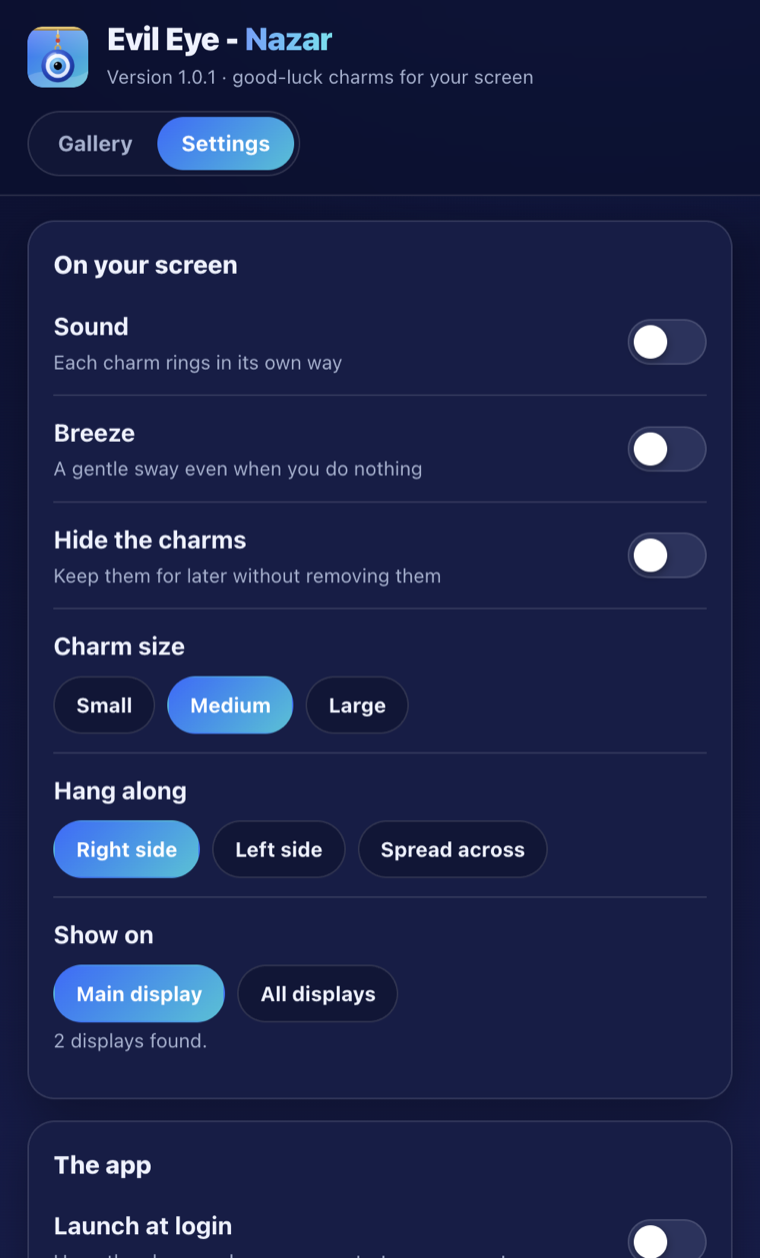
- Sound: every charm rings in its own way
- Breeze: a gentle sway even when you do nothing
- Charm size: small, medium or large
- Hang along: right side, left side or spread across the top
- Show on: your main display or all displays
- Launch at login, so they are always there
📍 Menu bar and system tray
- Tick or untick each charm to hang it
- Flick all, Surprise me, Hide or show the charms
- Sound, Breeze, size, side and display choices
- Open the window or the playground
- Launch at login and Check for updates
⌨️ Shortcuts
- ⌥⌘L (Windows: Ctrl+Alt+L) hides or shows the charms
- ⌥⌘F (Windows: Ctrl+Alt+F) flicks them all
🎮 The playground
- The full website stage inside the app, offline
- Backdrops: lake, sunset, night and paper
The website also has a Tilt to swing option for phones, which has no use on a computer.